Docs /
Make all video embeds look the same
Use global embedding options to apply one uniform look to every video across your site — no need to configure each post.
Open Settings → VideographyWP → Global embedding options. When you enable an option here, it overrides the per-video setting for every post the plugin creates, so all your videos behave identically.
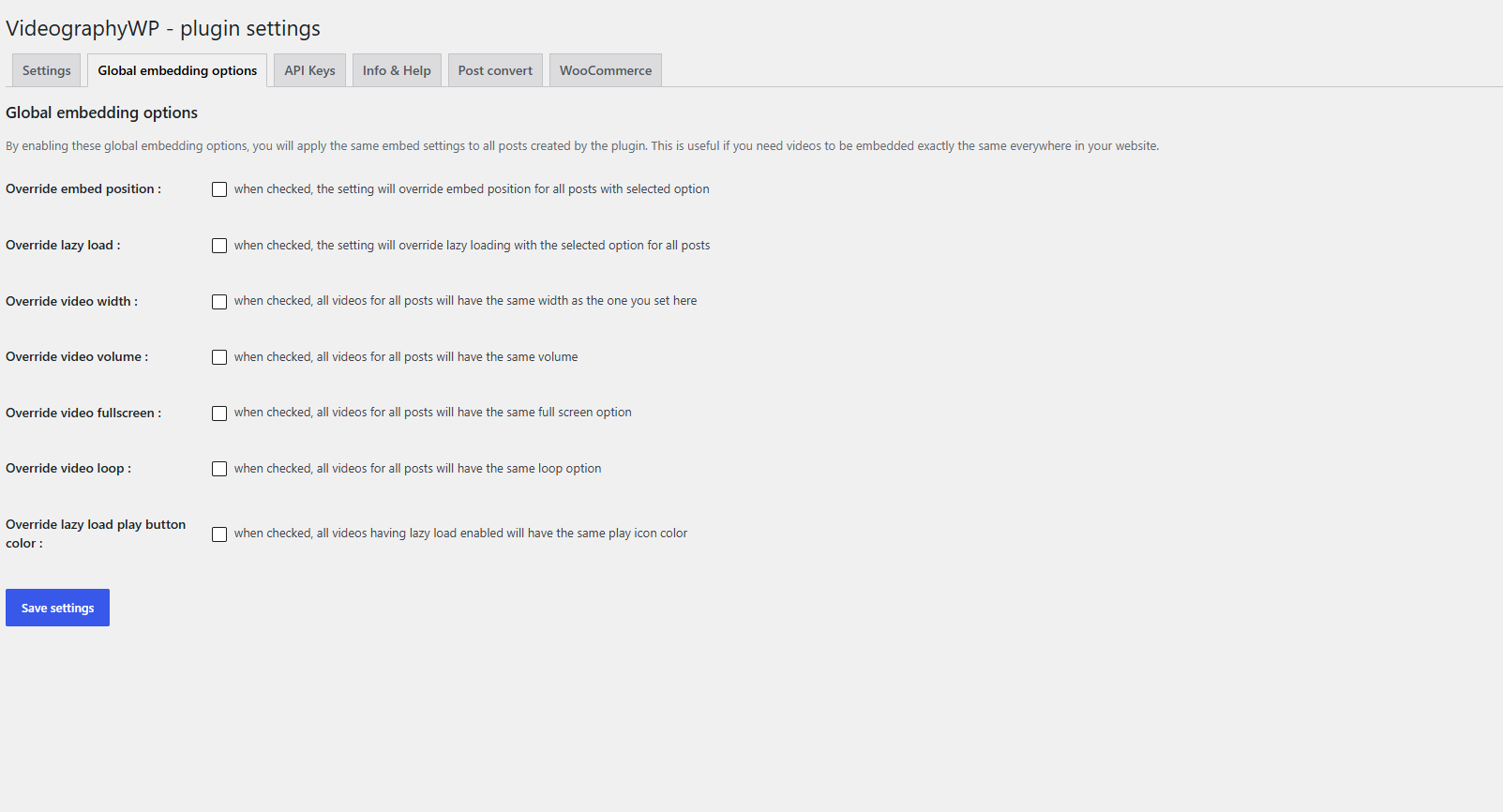
Available overrides
- Override embed position — force the same embed position for all posts.
- Override lazy load — turn lazy loading on or off everywhere.
- Override video width — give every video the same width.
- Override video volume — set one playback volume for all videos.
- Override video fullscreen — allow or block fullscreen everywhere.
- Override video loop — apply the same loop behaviour to all videos.
- Override lazy load play button colour — one play-icon colour for every lazy-loaded video.
Leave an option unchecked to let each post keep its own per-video setting.
WooCommerce
On the WooCommerce tab you can also override the product-gallery play-icon colour so every product video tile matches your brand.